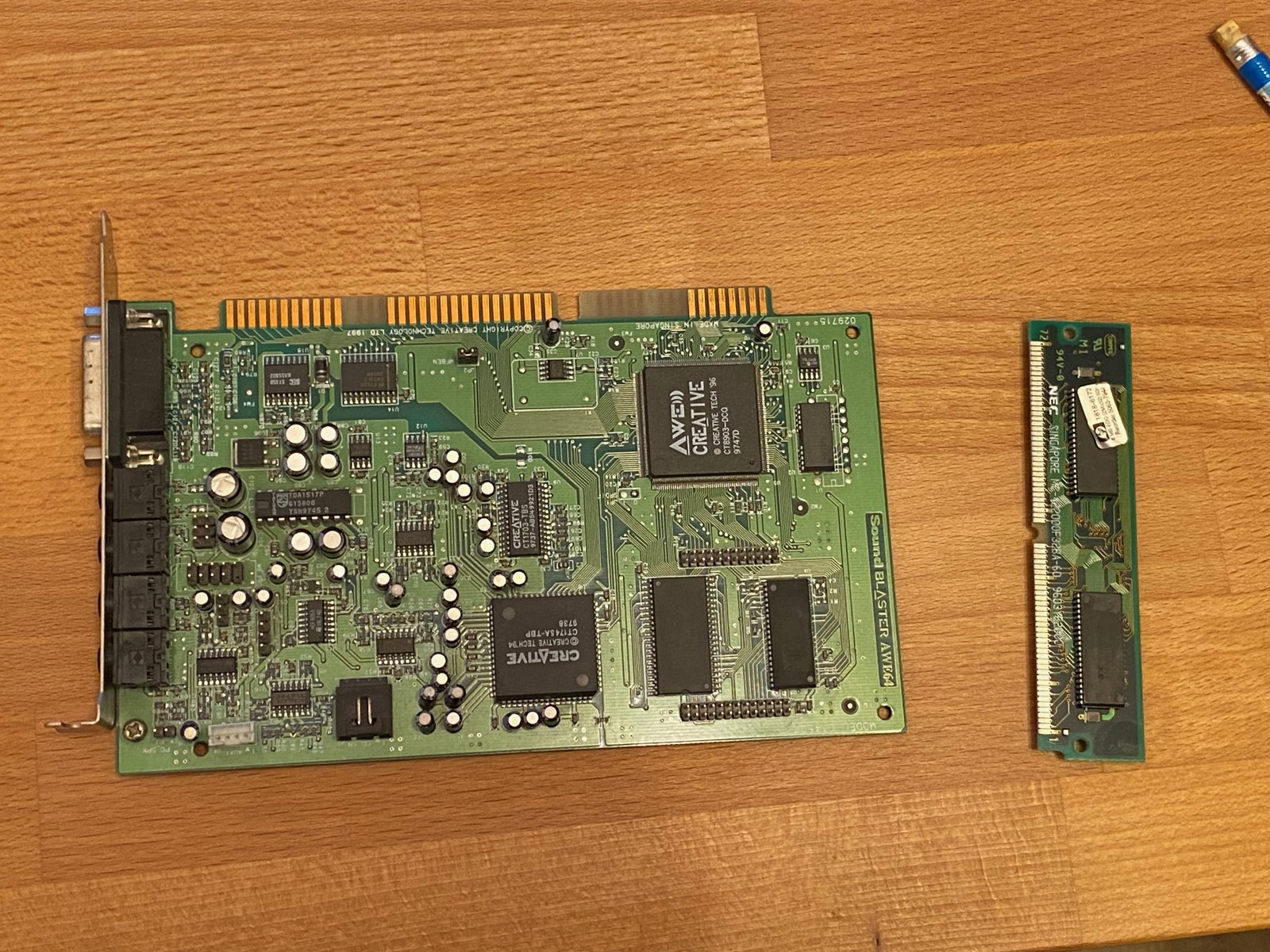
(Fig. 1: My Sound Blaster AWE64 Value (CT4500) before the mod, next to the donor SIMM)
The Sound Blaster AWE64 Value only has 512KB of sample RAM on board. For General MIDI with the standard sound bank that is fine, but for bigger SoundFonts it is not much. The more expensive AWE64 Gold came with 4MB on a proprietary memory module, and those modules are hard to find and expensive today.
In February 2023 I found a nice alternative on Vogons: AWE64 Value 2MB memory upgrade by Thermalwrong. The idea: replace the 512KB DRAM chip on the card with a 2MB chip from an old 72-pin SIMM. I did the mod on my CT4500 - and it worked on the first try. The trouble only started when I wanted to use the card in my DX4-100 machine.
How the mod works
The CT4500 uses a single 256K×16 EDO DRAM chip (5V, 60ns) in a 40-pin package for its 512KB. A 1M×16 EDO chip has 2MB, but comes in a 42-pin package. Creative designed the PCB to take both: the footprint has room for the two extra pins, and a few 0Ω resistors select whether two pads are used as address lines or as VCC/GND.
| Step | What to do |
|---|---|
| Donor | 72-pin EDO SIMM with 1M×16 chips (5V, 60ns or faster) |
| Remove | The original 40-pin 256K×16 DRAM chip from the card |
| Solder | The 42-pin 1M×16 chip from the SIMM into the same footprint |
| Resistors (CT4500) | Move the 0Ω links from R2 to R1 and from R9 to R8 |
| Resistors (CT4520) | According to the Vogons thread: R18 to R17 and R19 to R16 |
Moving the resistors is important: in their original position, they put VCC and GND on the pins that the bigger chip uses as address lines.
The donor SIMM
I had a few old 72-pin SIMMs lying around. The right one is a SIMM with 1M×16 EDO chips - that is what the guide recommends, and I found exactly that type in my box.
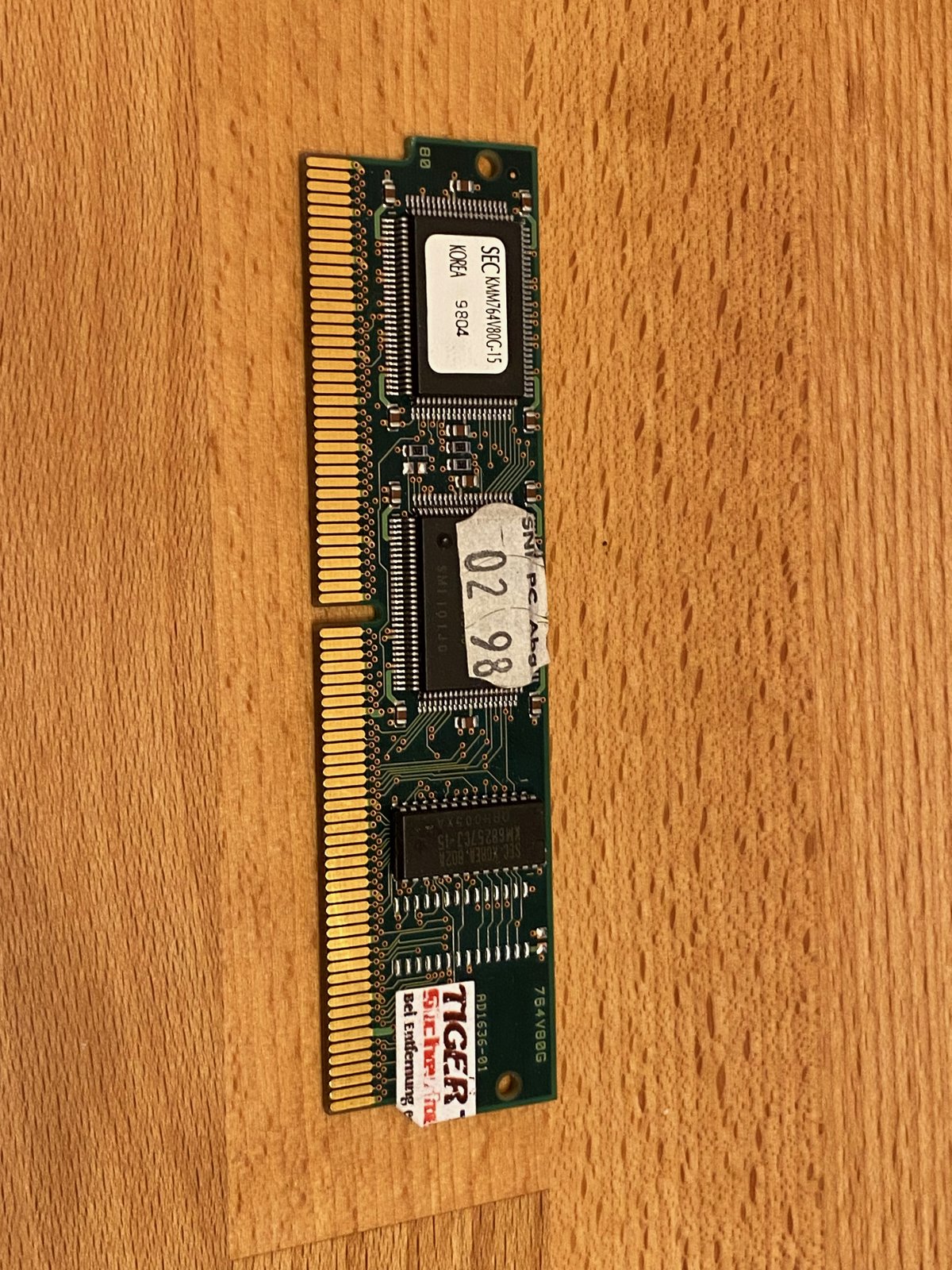
(Fig. 2: One of the donor SIMMs)
Desoldering and soldering
I removed the chips with hot air - both the original DRAM from the AWE64 and one of the chips from the SIMM.
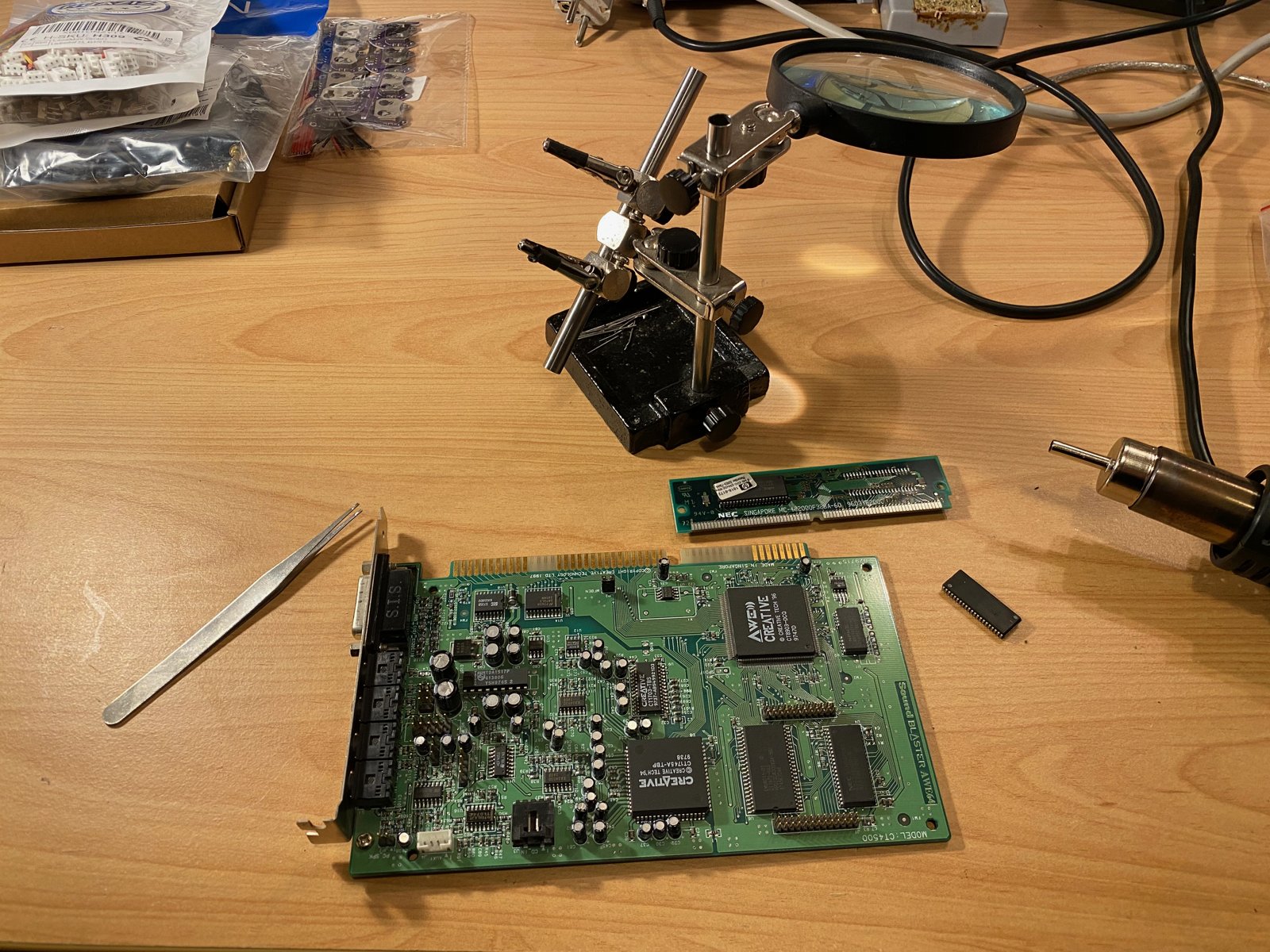
(Fig. 3: My workbench: the AWE64, the SIMM and the chip that I removed from it)
On the AWE64, there are pin headers and other parts very close to the DRAM chip. To protect them from the hot air, I covered everything around the chip with Kapton tape.
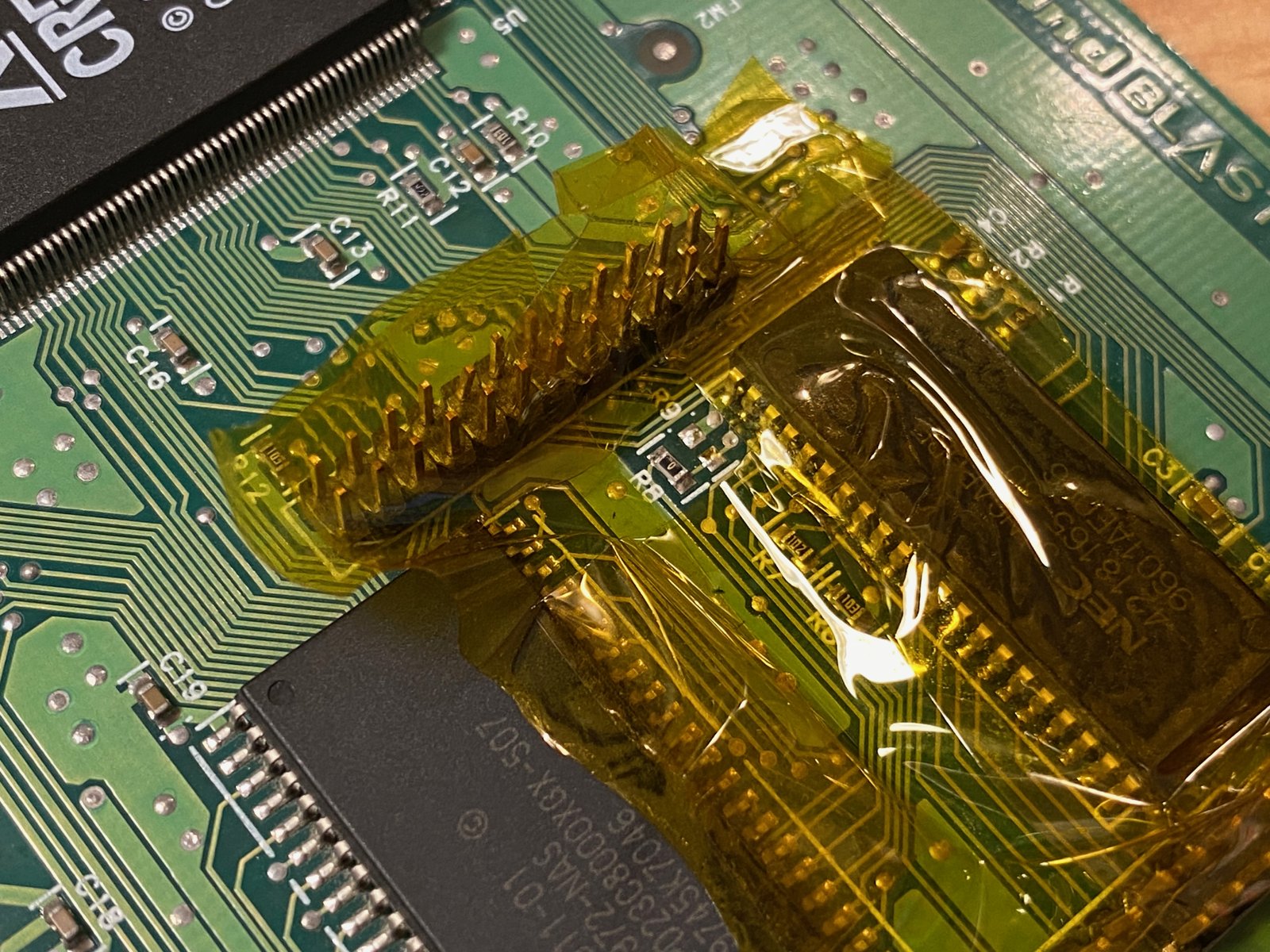
(Fig. 4: Kapton tape protects the parts around the DRAM chip)
After that I soldered the new 42-pin chip into the footprint and moved the two 0Ω resistors.
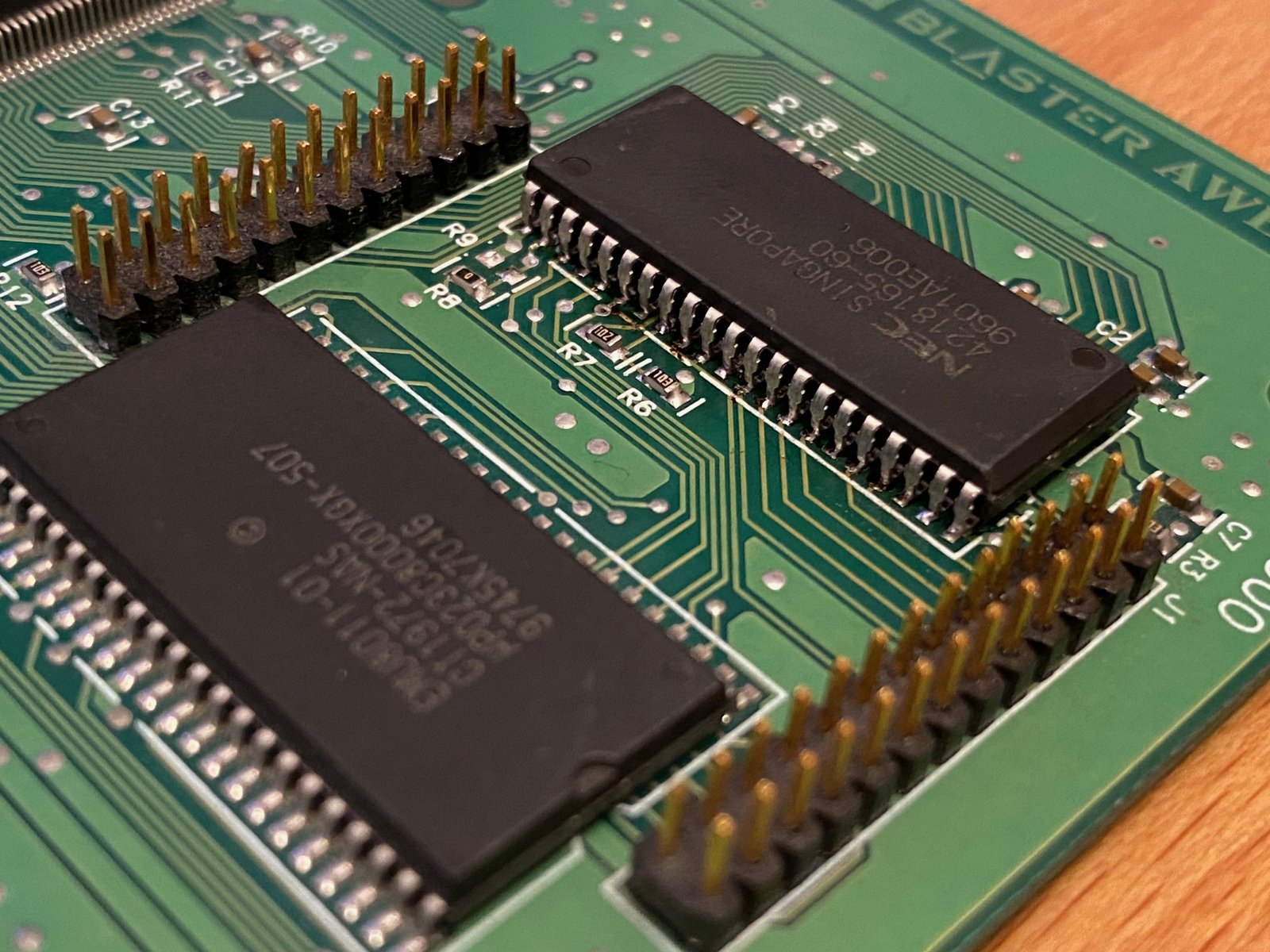
(Fig. 5: The new RAM soldered in, side A)
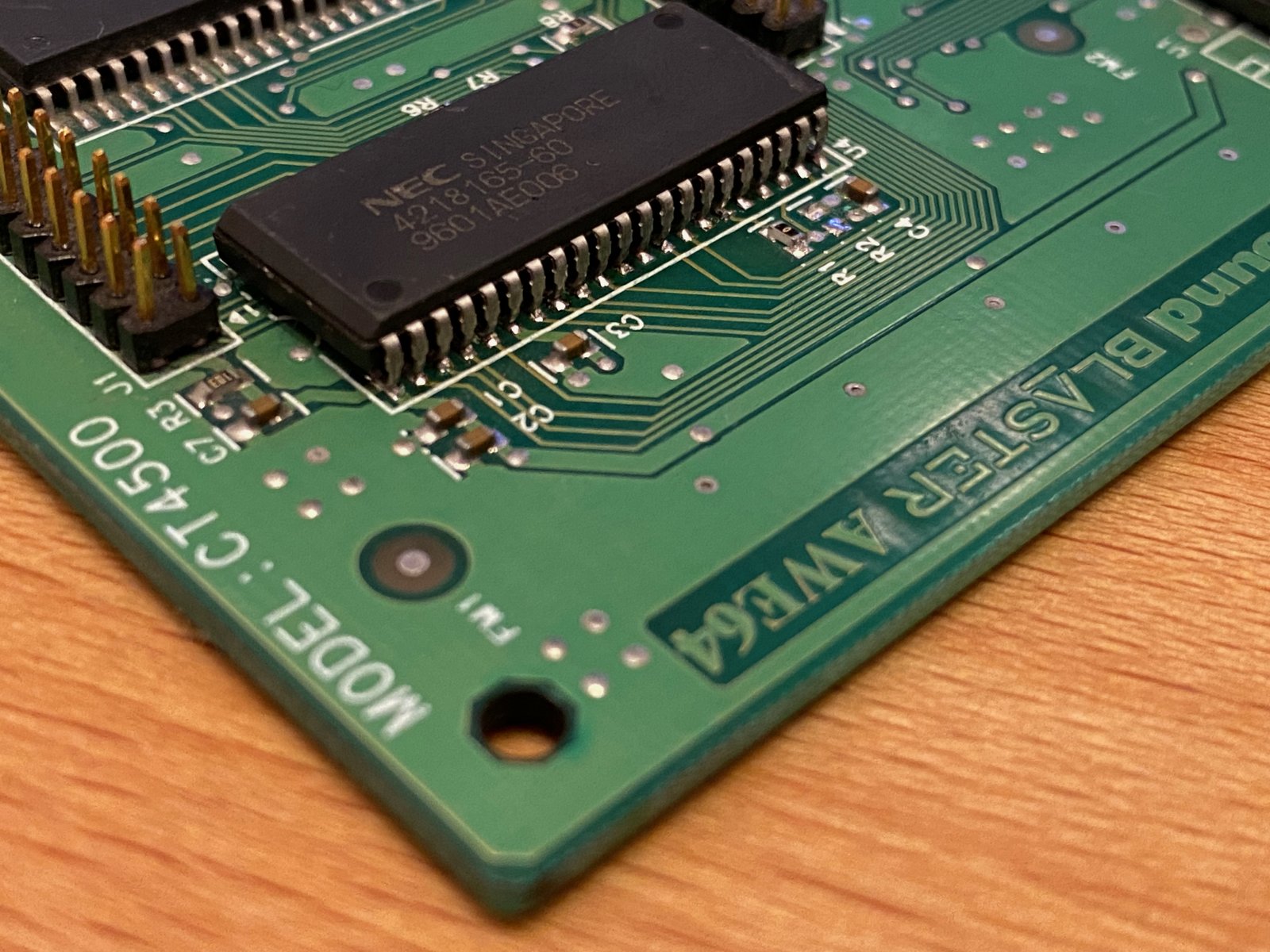
(Fig. 6: The new RAM soldered in, side B)
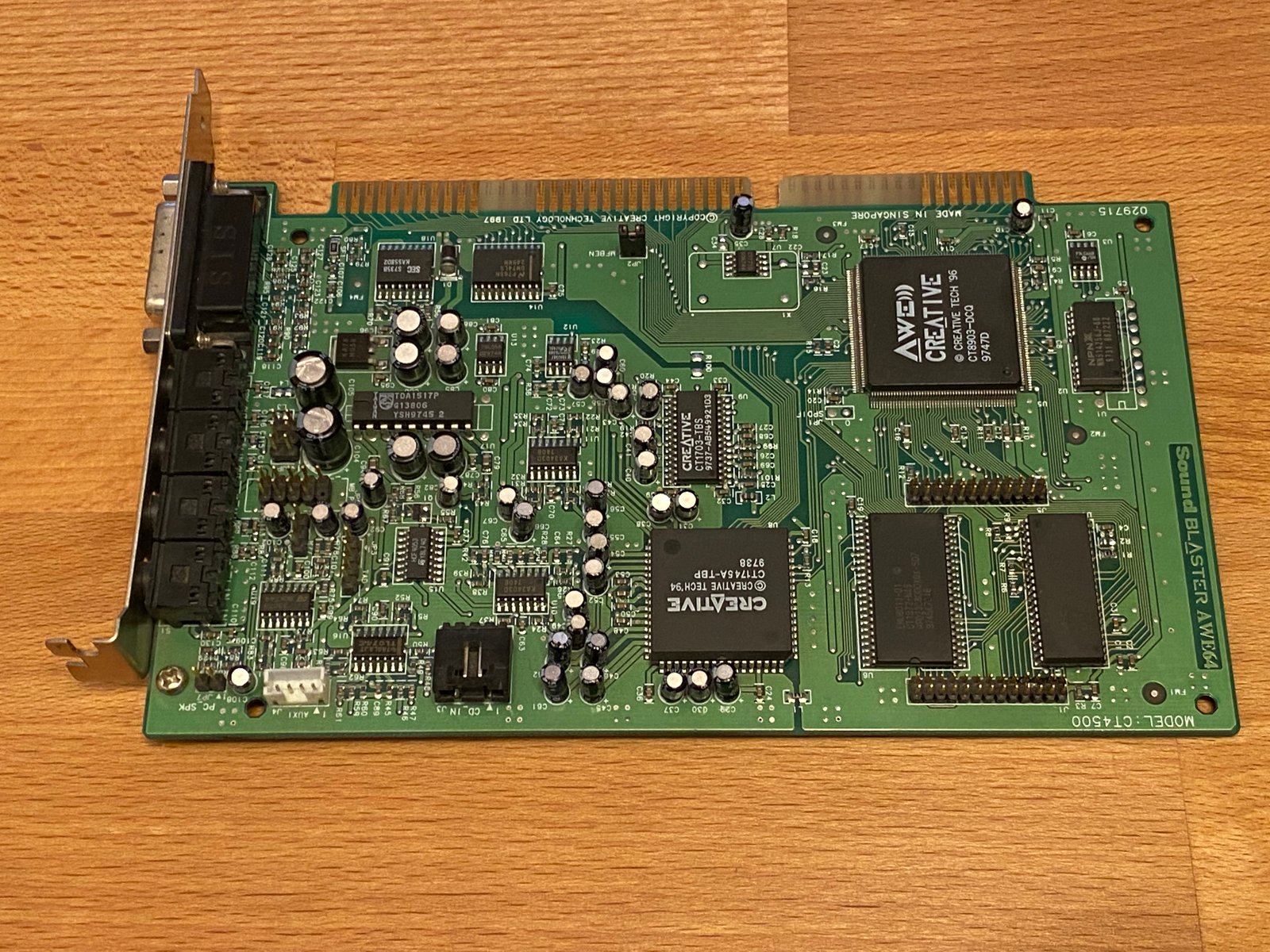
(Fig. 7: The AWE64 after the mod)
2MB on the Pentium II
I tested the card in my Pentium II machine with Windows 98 SE. The card was recognized immediately, and the AWE64 MIDI Synth control panel shows the full 2MB:
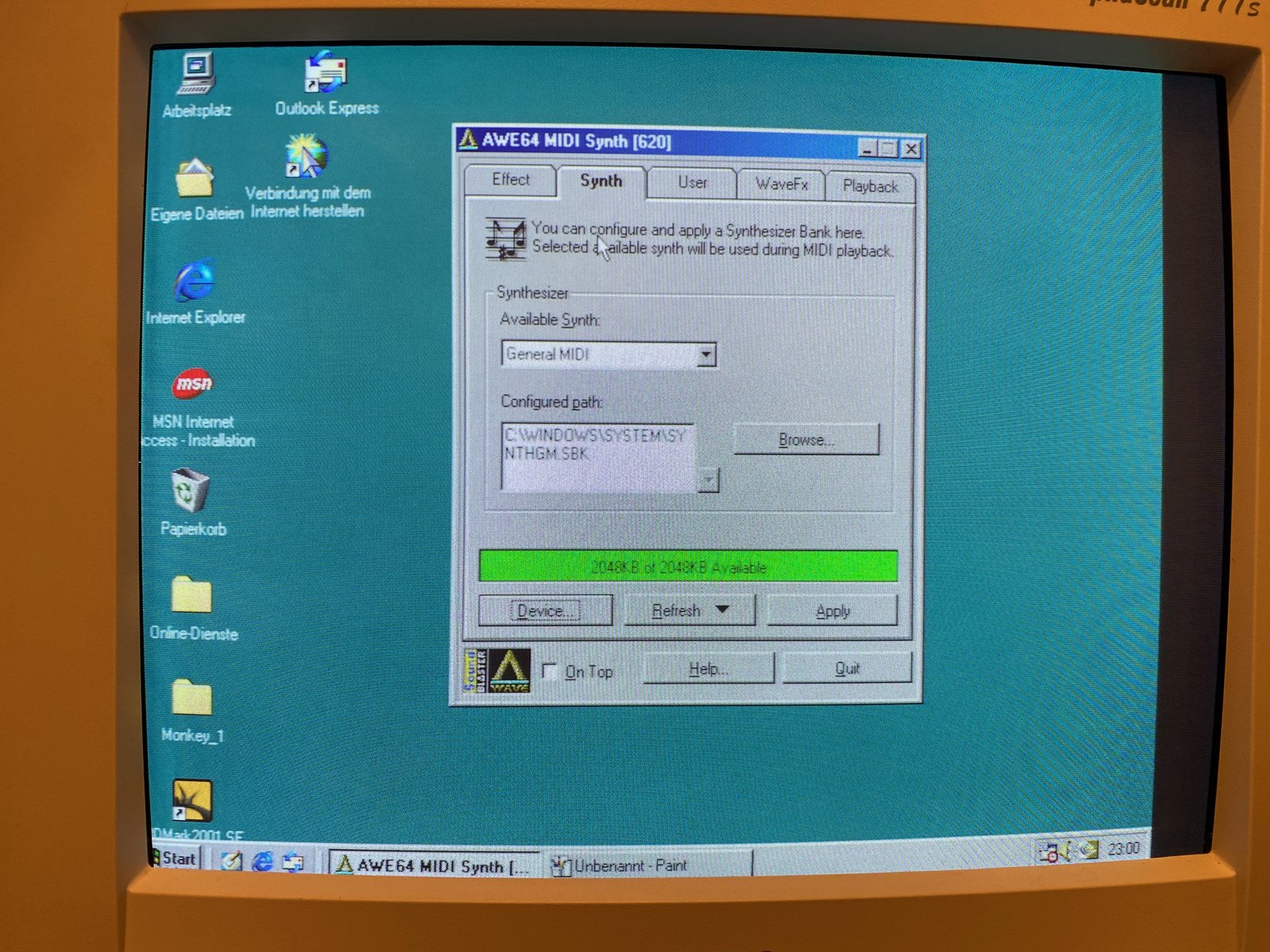
(Fig. 8: AWE64 MIDI Synth under Windows 98 SE: 2048KB of 2048KB available)
HWiNFO for DOS also finds the card, and the AWE64 gets its resources from the Plug and Play BIOS:
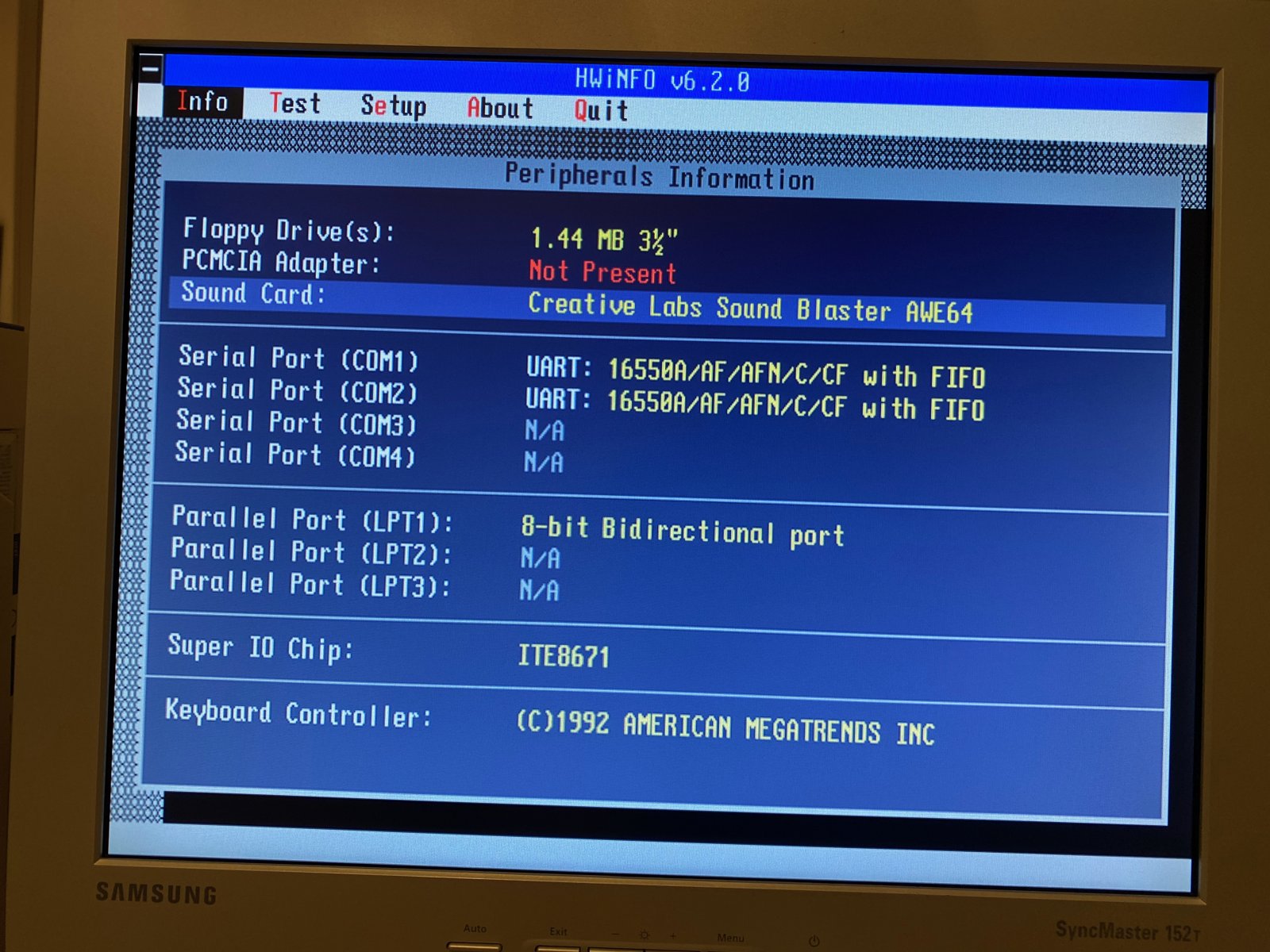
(Fig. 9: HWiNFO on the Pentium II: the AWE64 under Peripherals Information)
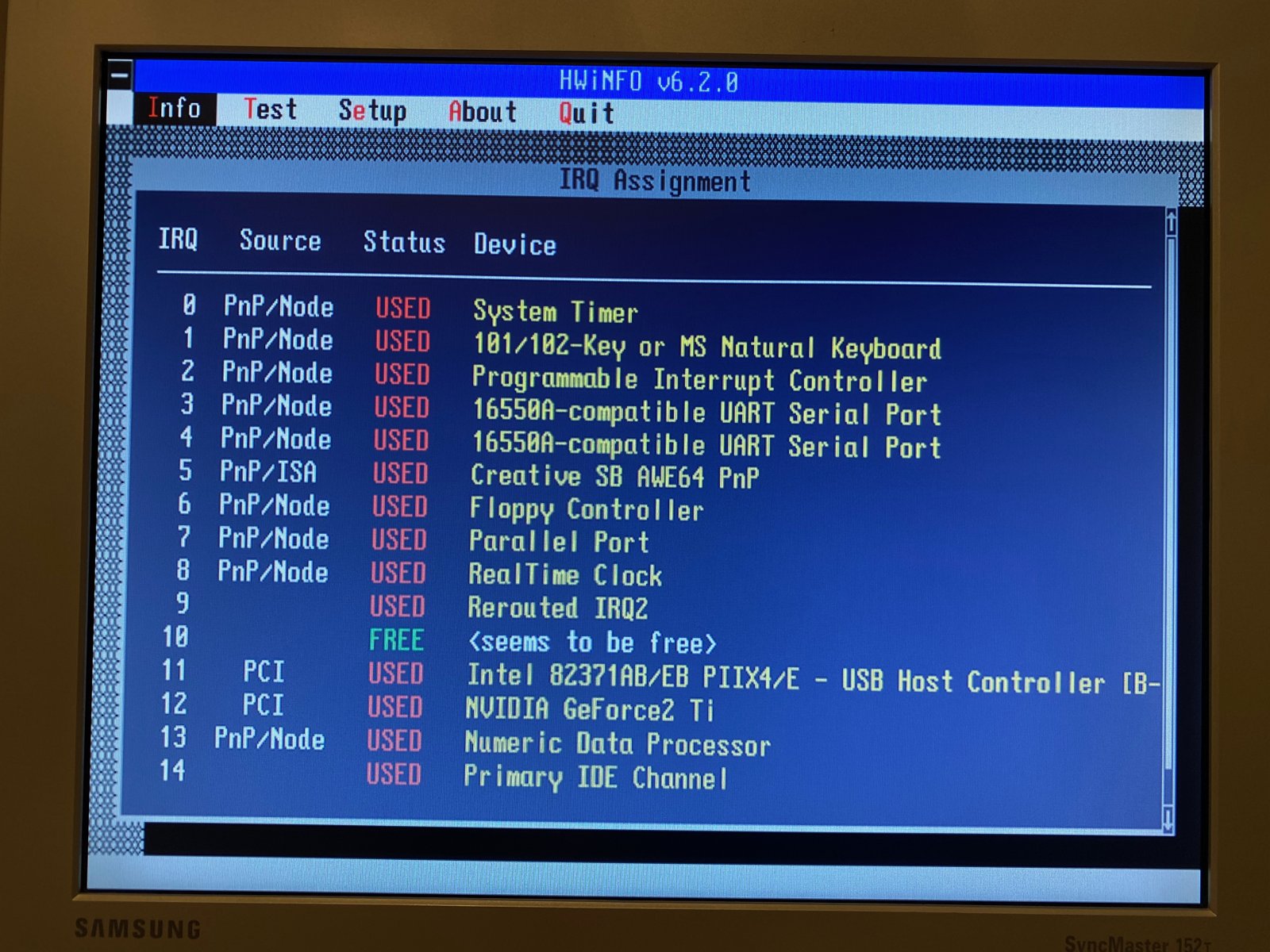
(Fig. 10: HWiNFO on the Pentium II: the AWE64 on IRQ 5)
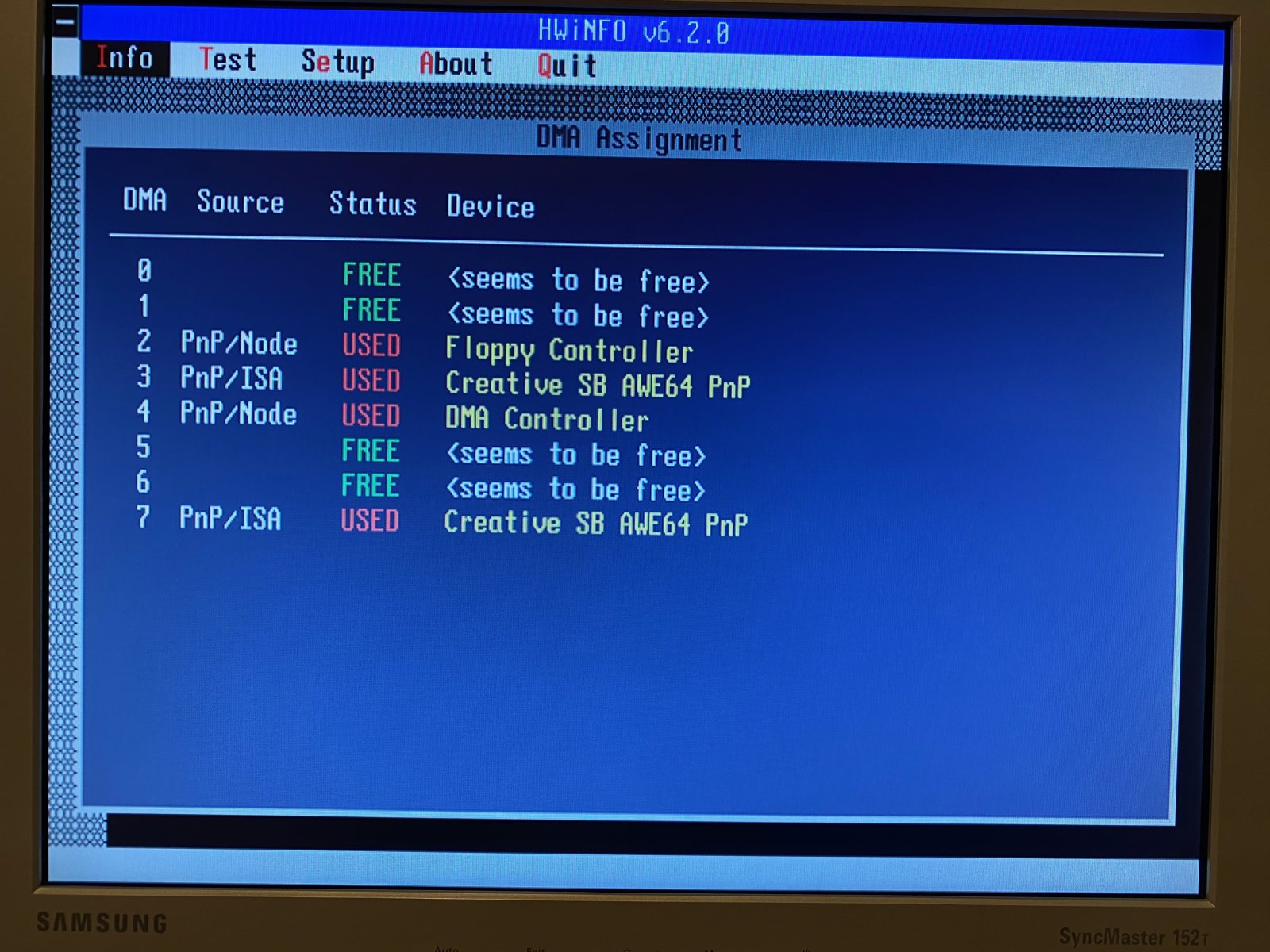
(Fig. 11: HWiNFO on the Pentium II: the AWE64 in the DMA Assignment)
So the mod itself works perfectly.
The problem: the DX4-100
My plan was to use the AWE64 in my 486: an Abit AB-PB4 (Rev. 1.2) with an Intel DX4-100 WB and Windows 95 C. There, the card did not work. HWiNFO detects a Sound Blaster AWE64 - that was the only sign of life:
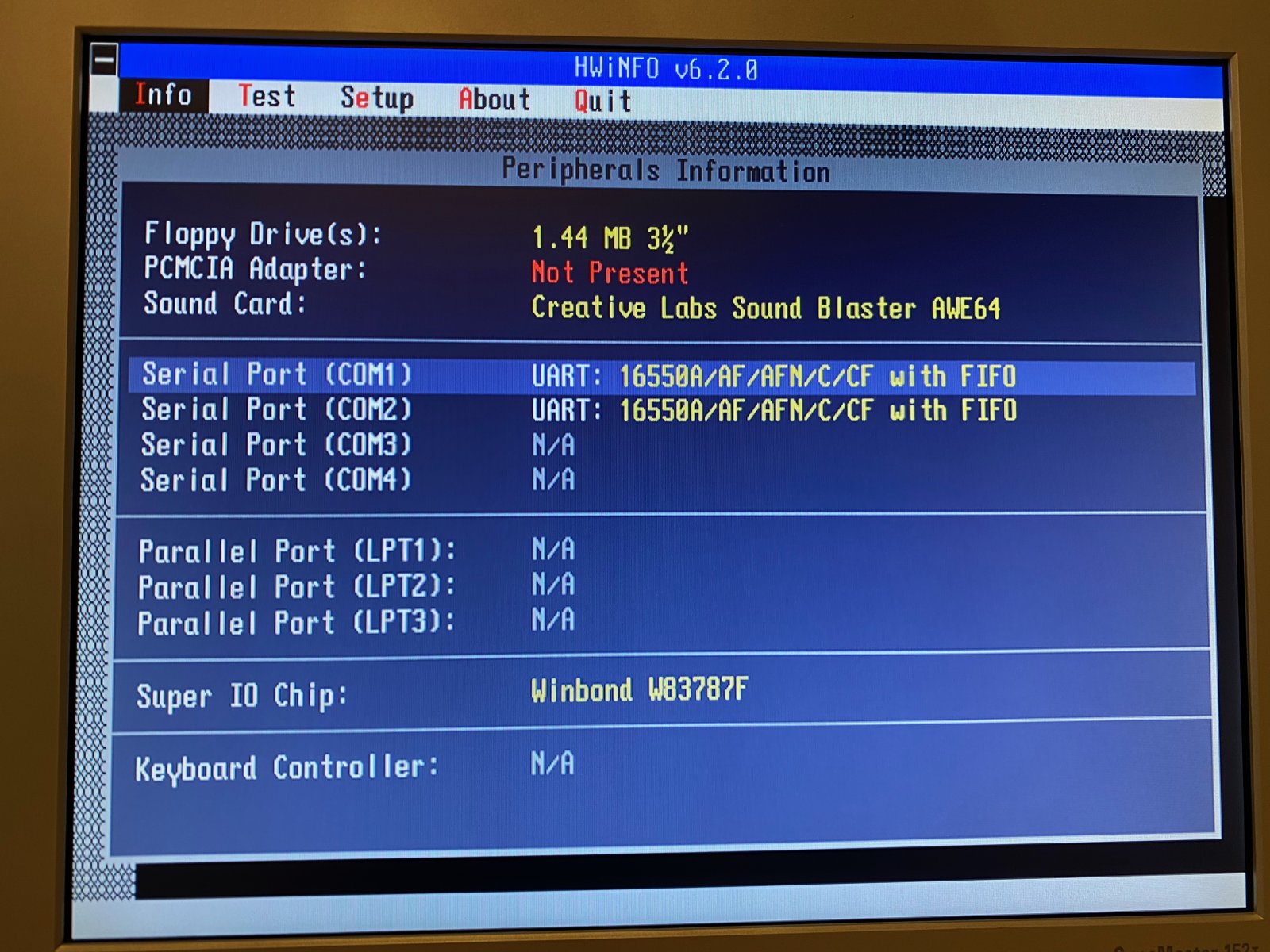
(Fig. 12: HWiNFO on the DX4-100: the AWE64 is detected)
But the card does not get any resources. It is missing in both the IRQ and the DMA list. The LPT port still shows up in the IRQ list, even though I disabled it in the BIOS.
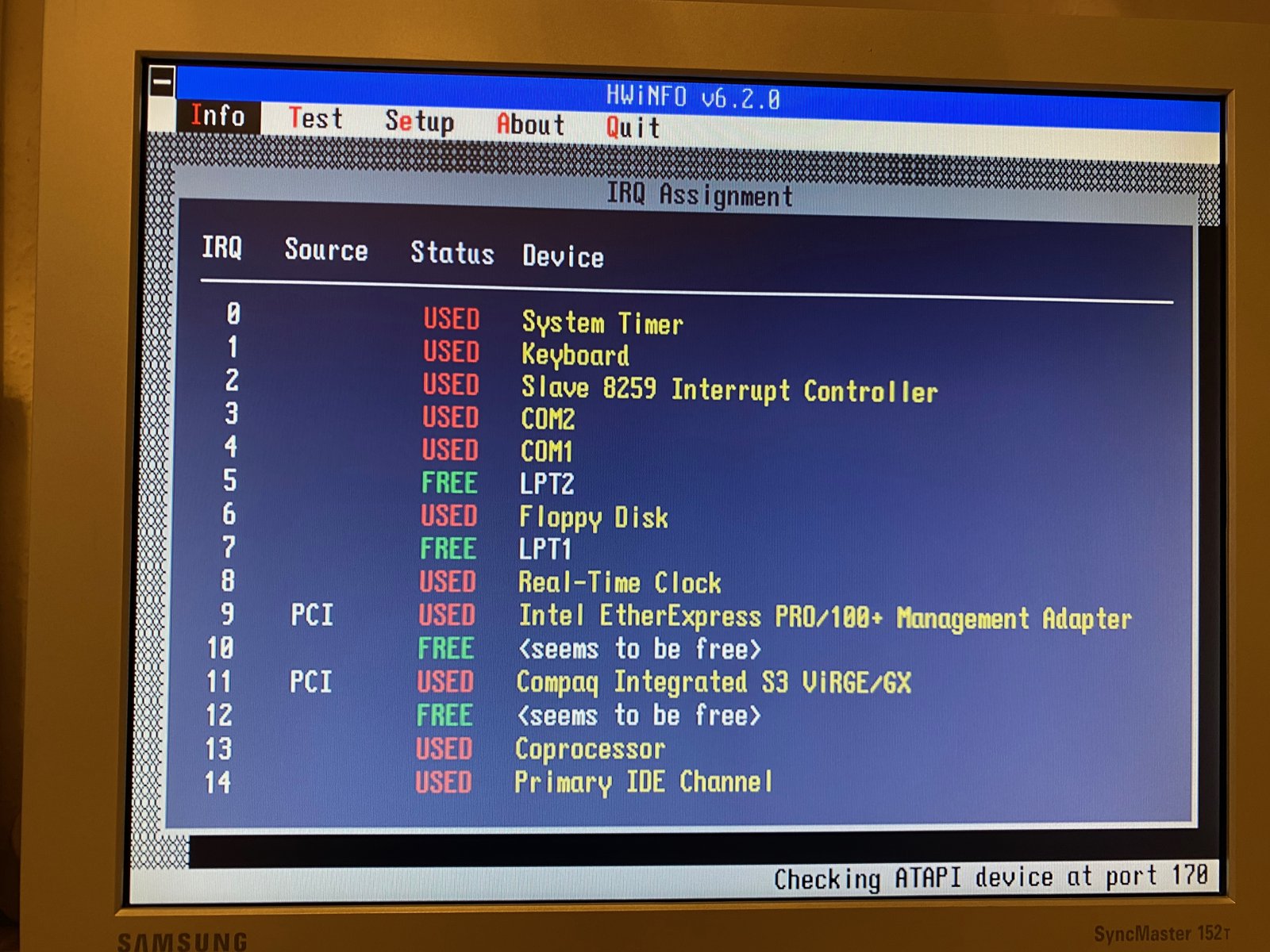
(Fig. 13: HWiNFO on the DX4-100: no AWE64 in the IRQ Assignment)
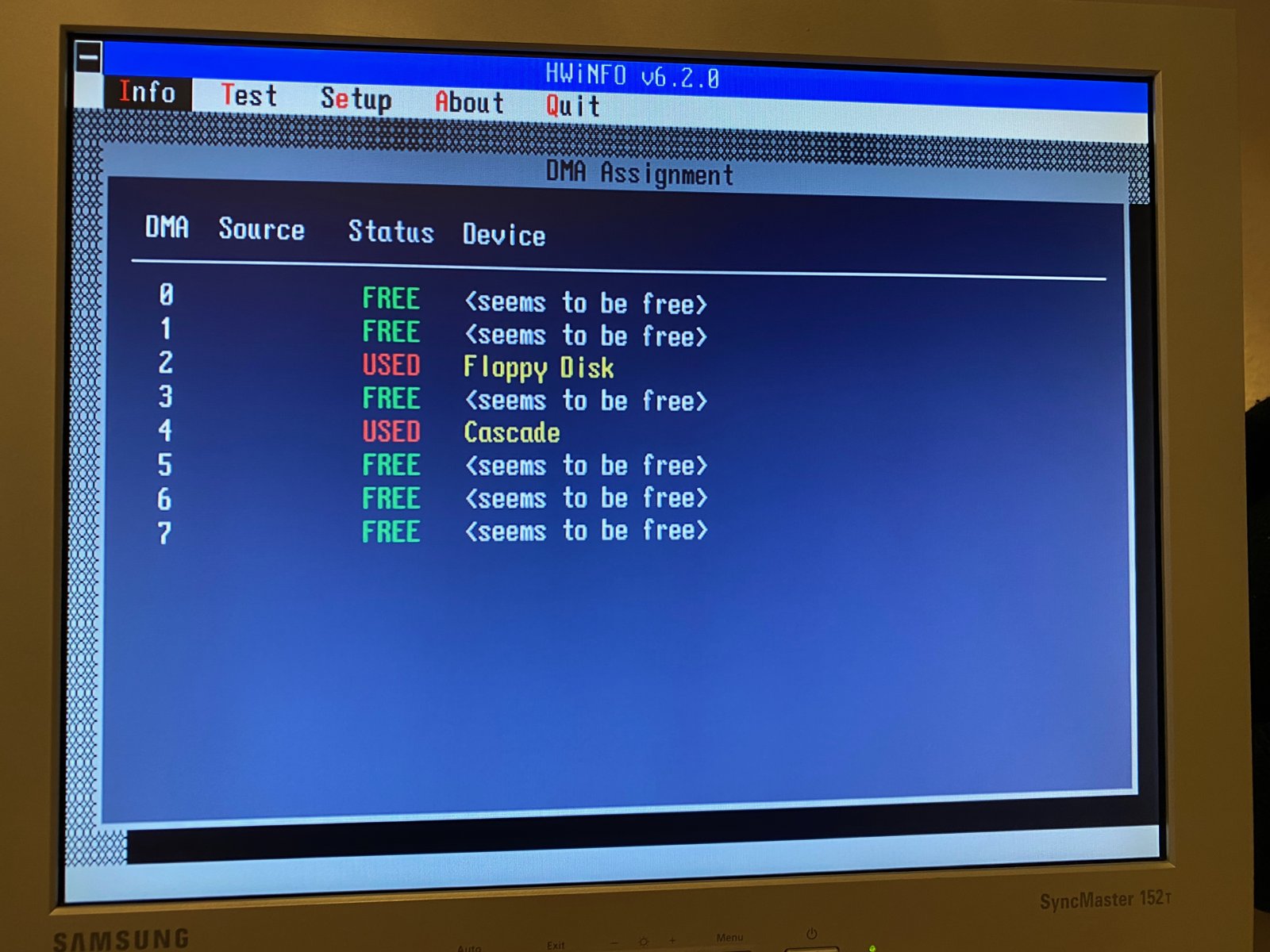
(Fig. 14: HWiNFO on the DX4-100: no AWE64 in the DMA Assignment)
And Windows 95 did not find a sound card at all: there was no playback device and no multimedia entry in the Device Manager.
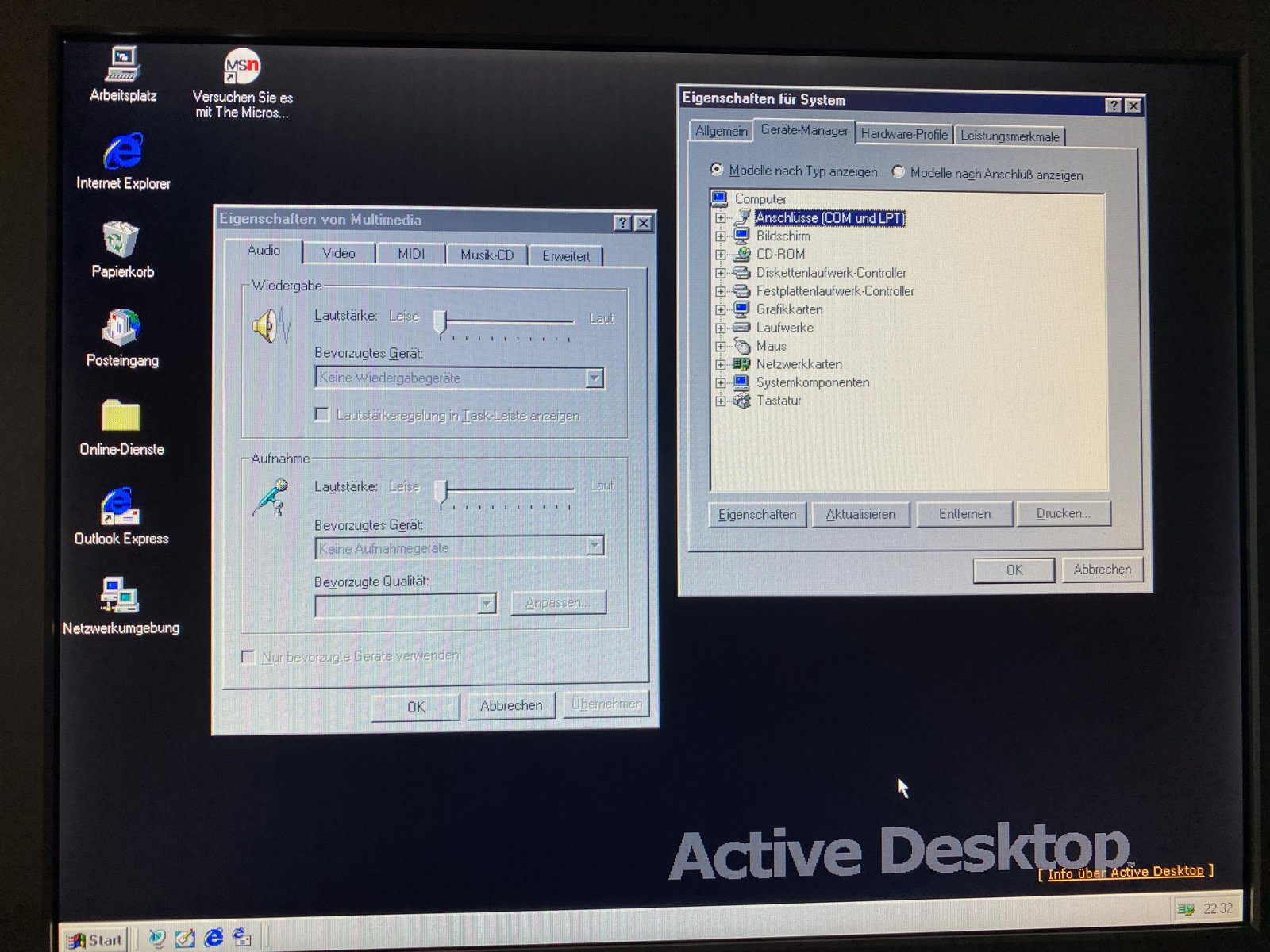
(Fig. 15: Windows 95 C on the DX4-100: "Kein Wiedergabegerät" means no playback device)
I suspected a BIOS setting, but the PCI/ISA page of the Award BIOS doesn't offer much:
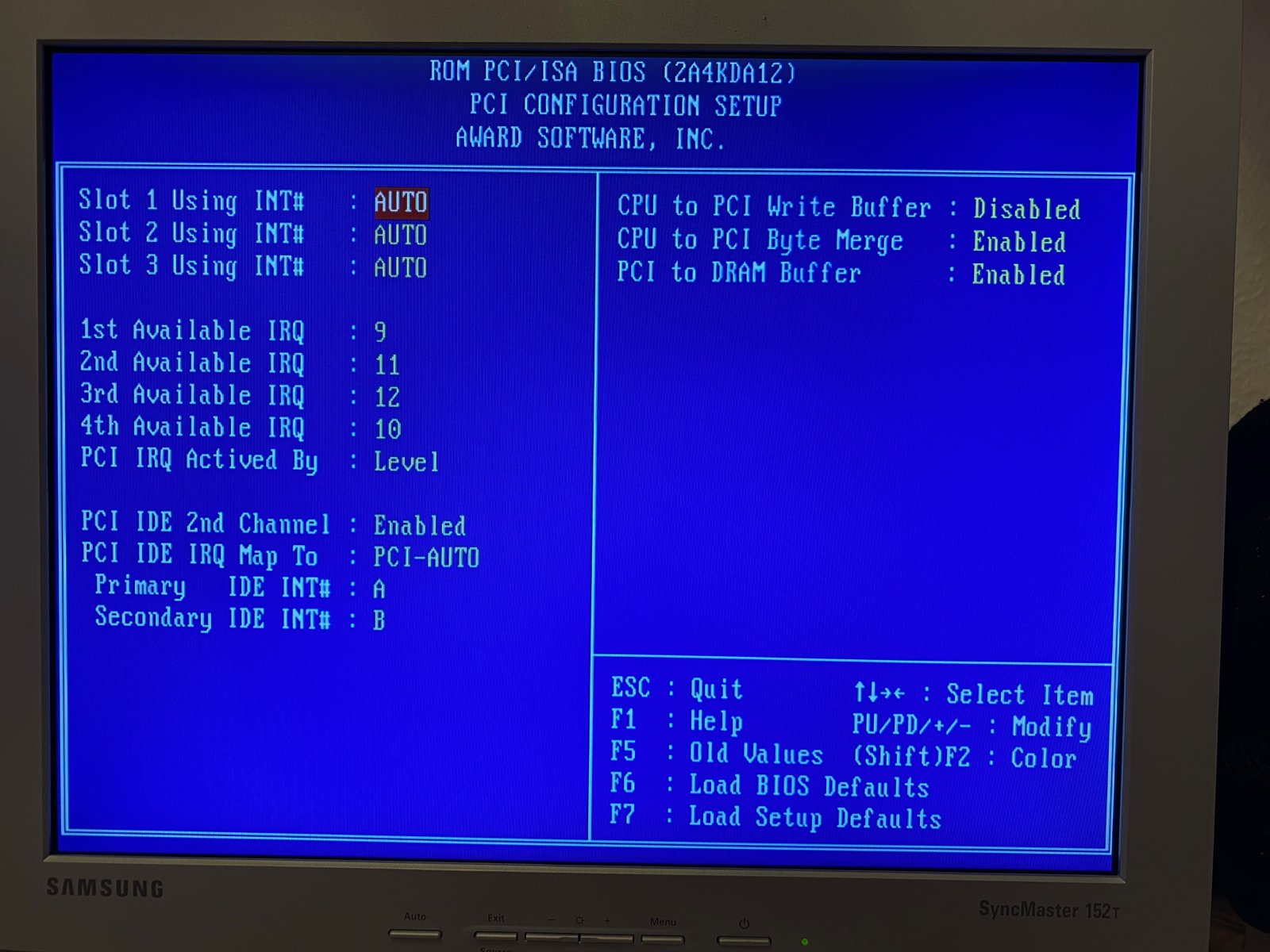
(Fig. 16: The PCI/ISA settings in the BIOS of the Abit AB-PB4)
Asking for help
I asked on Reddit (r/vintagecomputing), and got some good hints. LousyMeatStew suspected that the legacy Plug and Play initialization doesn't happen on this board, and recommended trying Creative's DOS drivers (CTCM), which you can find at Phil's Computer Lab.
I tried CTCM - without success. Then I installed Windows 98, because it has better Plug and Play support. The card was not recognized there either.
Others suggested assigning the IRQ for the ISA card manually in the BIOS. But after looking through the manual of the board, LousyMeatStew confirmed what I had already noticed: the IRQ settings on the PCI/ISA page are only for the PCI slots. There is no way to assign an IRQ to an ISA slot on this board. For a board like this, a card that is configured with jumpers is the better choice.
The solution: swapping cards
Luckily, I have more than one retro PC, and the sound cards move between them from time to time anyway. So I simply swapped the cards:
| Machine | Sound card |
|---|---|
| Pentium II, 400 MHz | Sound Blaster Pro 2 (CT1600) - a real OPL3 for DOS games |
| Pentium 166 MHz (Acer V55 board) | Sound Blaster AWE64 Value, 2MB |
| Intel DX4-100 (Abit AB-PB4) | ESS ES1869 |
The Acer V55 board has no problem with Plug and Play cards, and the AWE64 with its 2MB runs fine in the Pentium 166.
TODO: Screenshot of the AWE64 in the Pentium 166
Conclusion
The 2MB mod is a nice and cheap upgrade if you can desolder a 42-pin chip. You only need an old EDO SIMM, hot air, some Kapton tape and two resistors moved to another position. The card doesn't care about the new RAM - but an early 486 board without ISA Plug and Play support does care about the card.
Thanks to Thermalwrong for the guide on Vogons, and to everyone on Reddit who helped with the DX4 problem.